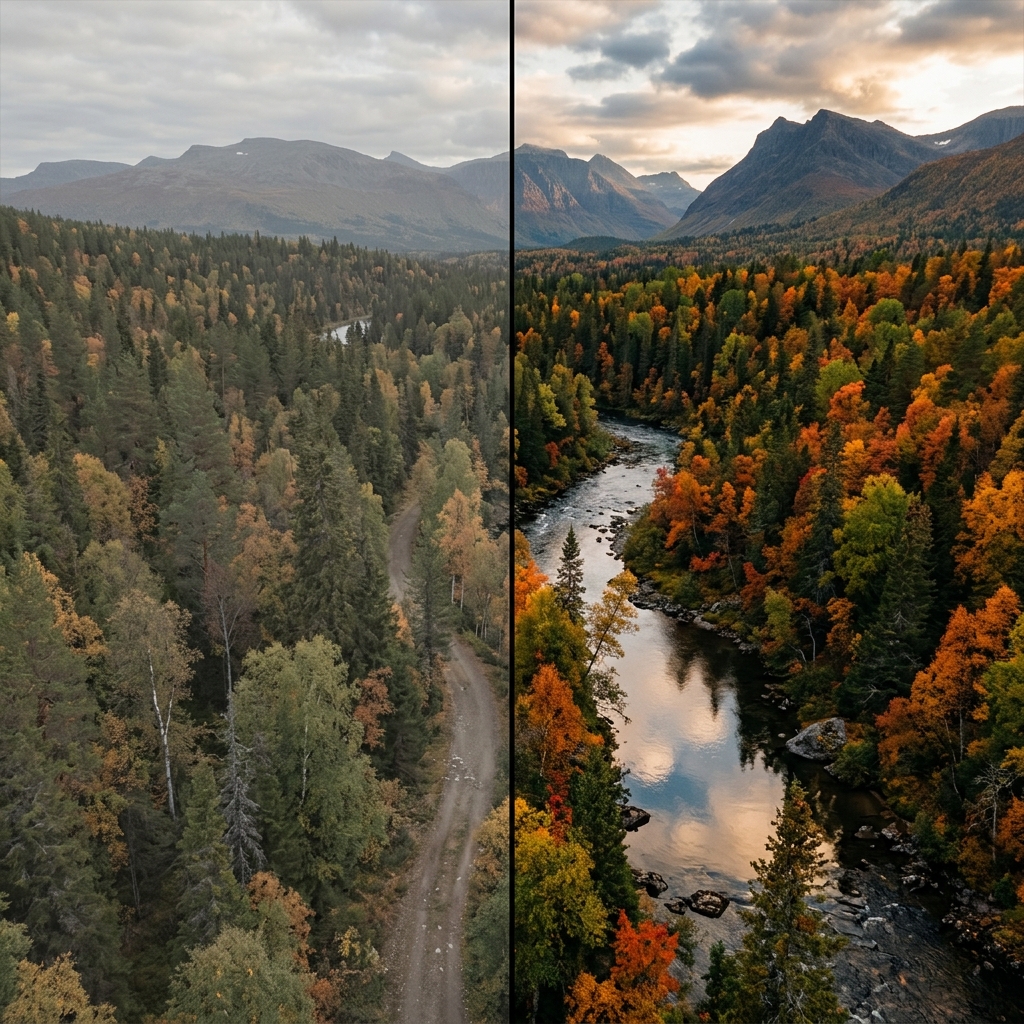
Real-Time Cinematic LUTs
Stop guessing how your photos will look after editing. LeafyCam processes complex cinematic color lookup tables (LUTs) directly in the viewfinder, allowing you to shoot with your final color grade already applied.
Stop guessing how your photos will look after editing. LeafyCam processes complex cinematic color lookup tables (LUTs) directly in the viewfinder, allowing you to shoot with your final color grade already applied.
A Look-Up Table (LUT) is a mathematical formula that modifies the color and tone of an image. Professional filmmakers and colorists use LUTs to achieve specific "looks" (like a moody, desaturated forest or a warm, golden sunrise) across an entire project.
Normally, applying a LUT is a post-processing step done on a computer. With LeafyCam, we process these complex color transformations in real-time, right on your Android phone's camera feed.
Our rendering engine is built specifically for Android hardware, allowing for zero-lag color processing.
We built a custom OpenGL ES 3.0 rendering pipeline that applies 3D color cubes to the live camera feed at 60 frames per second without draining your battery or causing shutter lag.
Our built-in LUTs aren't generic filters. They are designed by landscape photographers specifically to handle complex forest greens, deep mountain shadows, and harsh outdoor highlights.
If you shoot in RAW+JPEG mode, LeafyCam saves a perfectly graded JPEG using your chosen LUT, while also saving a pure, untouched RAW DNG file in case you want to edit from scratch later.
Cinematic LUTs often crush the shadows or pull down the highlights to create a specific mood. Always use LeafyCam's manual exposure dial while the LUT is active to ensure you aren't losing critical detail.
A dark, moody "Pacific Northwest" LUT will look incredible on an overcast day in the forest, but might look muddy in direct, harsh midday sunlight. Switch LUTs based on the ambient weather.
LUTs expect a relatively neutral starting point. If your phone's Auto White Balance (AWB) shifts dramatically, the LUT's colors will distort. Use LeafyCam's manual white balance slider to lock in a temperature before shooting.