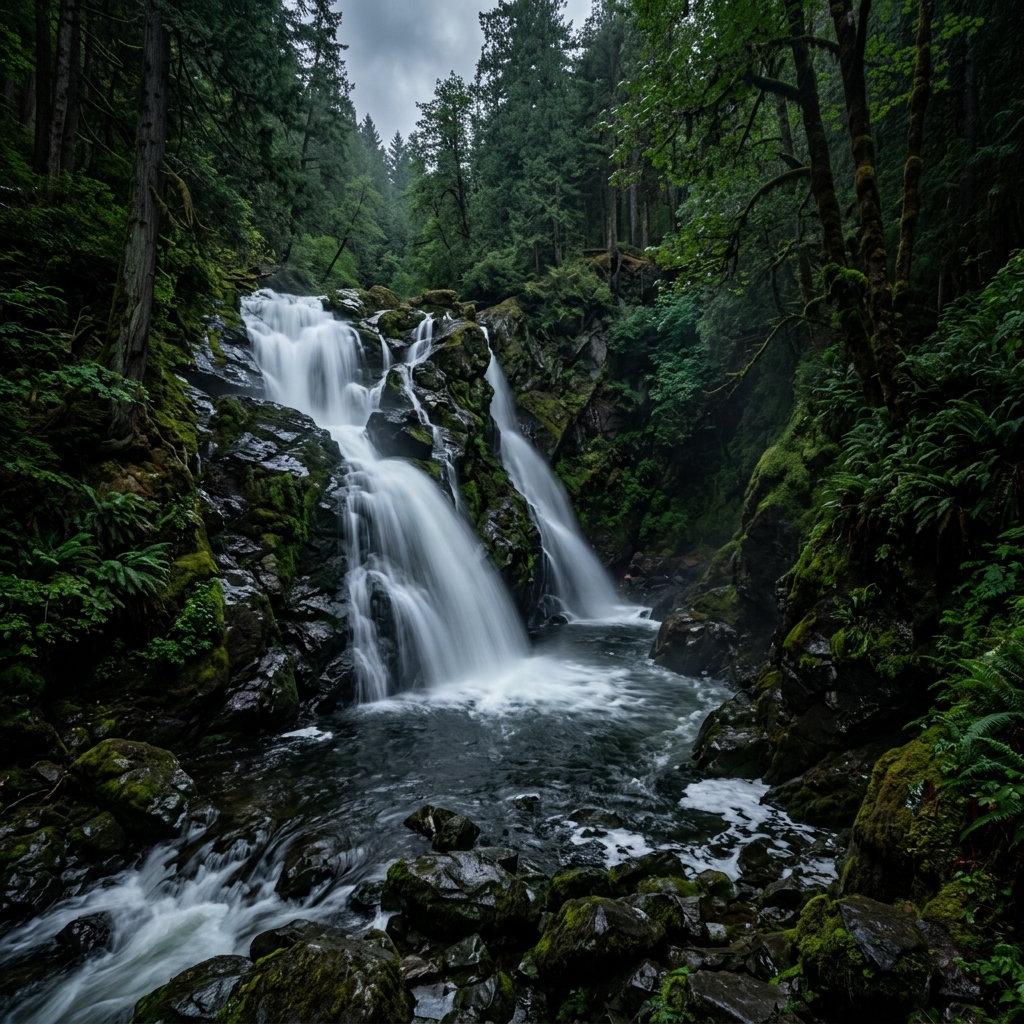
The camera in your pocket is more powerful than the digital DSLRs of a decade ago. However, the best sensor in the world won't take a good picture if you don't know how to use it. If you want to master android photography, start here with these essential mobile photography tips.
1. Keep Your Lens Clean
It sounds ridiculously simple, but your phone lives in your pocket with lint, dust, and fingerprints. A smudged lens causes light to flare and reduces contrast. Always wipe your lens with a microfiber cloth or a soft t-shirt before shooting.
2. Master the Rule of Thirds
Turn on your camera's grid lines. The Rule of Thirds dictates that you should place your subject along the grid lines or at their intersections, rather than dead center. This creates a more balanced, naturally appealing composition.
3. Hunt for Leading Lines
Use natural lines in the environment (roads, fences, river banks, or tree lines) to draw the viewer's eye toward your subject. Leading lines create depth in what is otherwise a flat 2D image.
4. Shoot During the Golden Hour
Lighting is everything in photography. The "Golden Hour" occurs shortly after sunrise and just before sunset. The sun is low on the horizon, casting a soft, warm, diffused light that is universally flattering for both landscapes and portraits.
5. Lock Your Exposure and Focus
If you let your phone constantly adjust focus and exposure, your shots will be inconsistent. Tap and hold on your screen to lock the Focus and Exposure (AE/AF Lock). This ensures the camera doesn't suddenly darken the image if a bright cloud moves into the frame.
6. Lower the Exposure Manually
Smartphone cameras have a habit of over-brightening images, which washes out skies and colors. Tap to focus, then slide the exposure dial down slightly. Underexposing creates a richer, more cinematic, and moodier image.
7. Shoot in RAW Format
If you want to edit your photos later, stop shooting in JPEG. Use RAW format. RAW files capture all the uncompressed data from the sensor, allowing you to recover dark shadows and blown-out highlights in post-production without losing quality.
8. Use HDR for High Contrast Scenes
High Dynamic Range (HDR) blends multiple exposures together. Use it when you are shooting a dark subject against a very bright background (like a sunset). It ensures you can see details in both the shadows and the highlights.
9. Don't Rely on Digital Zoom
Unless your phone has a dedicated optical telephoto lens, "zooming in" is just cropping the image and destroying the resolution. If you want a closer shot, physically walk closer to your subject.
10. Use Cinematic LUTs Instead of Basic Filters
Standard filters often ruin image quality by washing out colors globally. Professional photographers use Look-Up Tables (LUTs) for cinematic color grading. You can apply real-time Hollywood-grade LUTs directly in the viewfinder using an app like LeafyCam.
What is a LUT?
Confused about color grading? Read our full breakdown on how to use LUTs for mobile photography.
11. Use Burst Mode for Action
Trying to photograph a jumping dog or a splash of water? Hold down the shutter button to activate burst mode. You'll capture dozens of frames in a second, allowing you to pick the absolute perfect moment later.
12. Look for Reflections
Puddles, lakes, and even glass buildings offer amazing opportunities for reflection photography. Get your phone's lens as close to the reflective surface as possible to create symmetrical, mind-bending compositions.
13. Use Negative Space
Don't crowd your frame. Leaving empty space (like a vast sky or a large wall) around your subject helps them stand out and provides a sense of scale.
14. Edit Naturally
The biggest mistake beginners make is pushing the saturation and contrast sliders to 100%. Good editing should enhance the photo, not make it look artificial. Focus on subtle adjustments to exposure, highlights, and shadows.
15. Upgrade Your Camera App
Finally, your default camera app is severely limiting you. To unlock the true potential of your phone's hardware, download a dedicated manual camera app. LeafyCam provides manual controls, RAW capture, and real-time color grading explicitly designed for outdoor and nature photography.