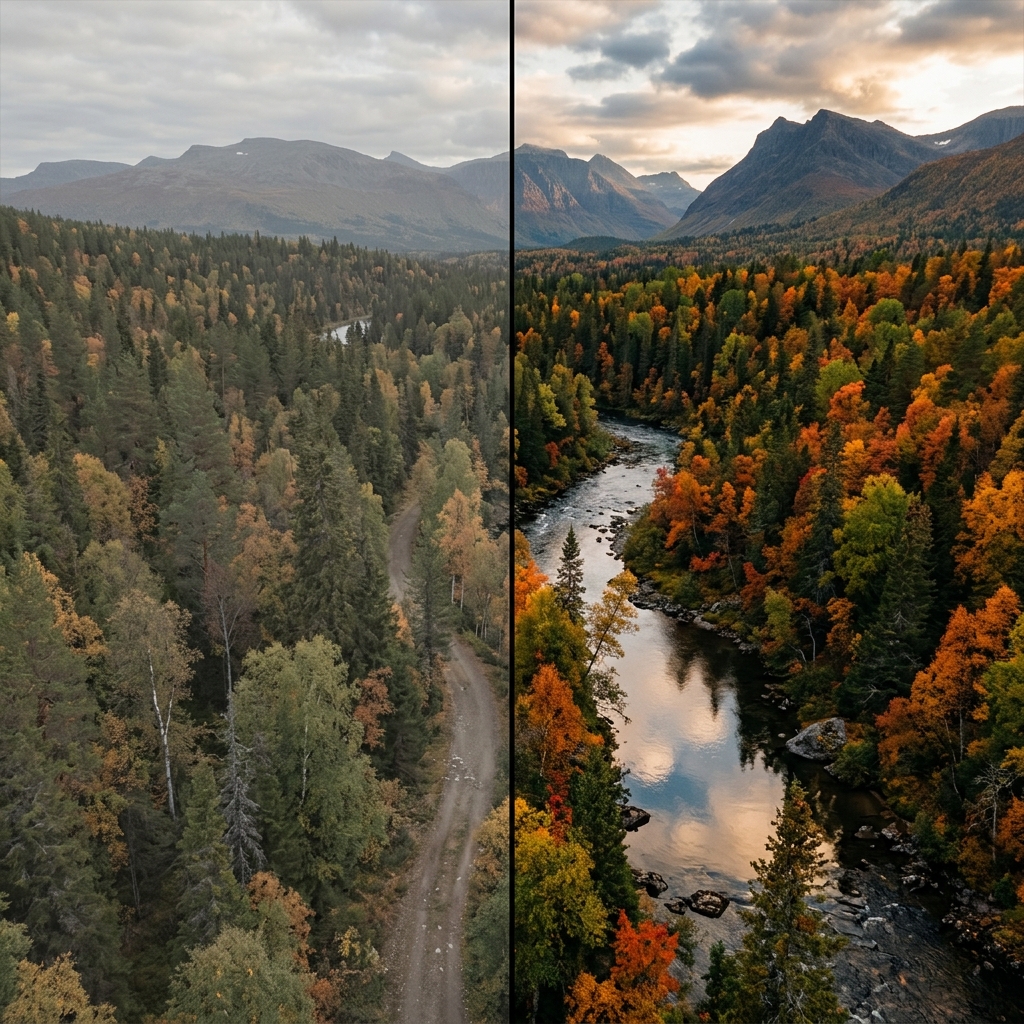
What is LUT?
LUT stands for Look-Up Table. In the simplest terms, it is a mathematical formula that takes an input color value (RGB) and maps it to a new output color value. Think of it as an incredibly precise, professional-grade filter that editors in Hollywood use to color grade films.
Cube LUT Explained
The most common file format for a Look-Up Table is the Cube LUT (`.cube`). This format contains a 3D grid (a cube) of color values. When an image is processed through a Cube LUT, the software finds the original color on the grid and swaps it for the target color dictated by the LUT.
Because it operates in 3D space, a `.cube` file can manipulate hue, saturation, and luminance simultaneously for millions of distinct colors.
Difference Between LUTs and Standard Filters
Many beginners confuse LUTs with Instagram or Snapchat filters. Here is the critical difference:
- Filters: A standard filter typically just overlays a generic color cast or adjusts basic sliders (like contrast or warmth) globally across the entire image.
- LUTs: A LUT mathematically targets specific values. This means you can use a cinematic LUT to cool down the shadows to a deep teal, while simultaneously warming up the skin tones or highlights, without the two affecting each other. It is precise color mapping.
Using a LUT on Android
Historically, applying a LUT for mobile photography was difficult, requiring desktop software like Adobe Premiere Pro or DaVinci Resolve. Today, advanced mobile apps are changing the game.
A true professional LUT Android workflow allows you to apply these grades in real-time. With LeafyCam, you can literally see the LUT applied live in your viewfinder before you press the shutter, saving you hours of post-processing time.
Best LUTs for Nature Photography
If you are an outdoor photographer, not all LUTs are created equal. You need specialized grades that respect natural tones.
Forest LUTs and Green LUTs
Standard cinematic LUTs often destroy greens, turning them sickly yellow or crushing them to black. A dedicated Forest LUT or Green LUT is designed to protect the vibrancy of foliage. It will naturally desaturate distracting elements while keeping the earthy, moody greens of leaves, moss, and pine trees rich and atmospheric.
Improve your outdoor shots
Pair your new cinematic LUTs with our Landscape Camera Settings guide for the ultimate nature photography workflow.
Importing LUTs: The Cinematic Workflow
Building a cinematic LUT workflow is easy on Android:
- Download `.cube` LUT files from your favorite creator (or use the built-in nature LUTs inside LeafyCam).
- Open LeafyCam and tap the LUT Library icon.
- Select 'Import' and browse to your downloaded `.cube` file.
- The LUT is now saved to your library and can be applied directly in the live viewfinder.
Ready to try it out? Download LeafyCam to experience real-time LUT color grading on your Android device.